

Understanding USB Port And Cable Standards, Naming Conventions, And Speeds
A comprehensive guide exploring the evolution of USB technology, from early standards to modern high-speed connections. This overview details bandwidth capabilities, physical color coding, and connection types like USB-C.
বিজ্ঞাপন

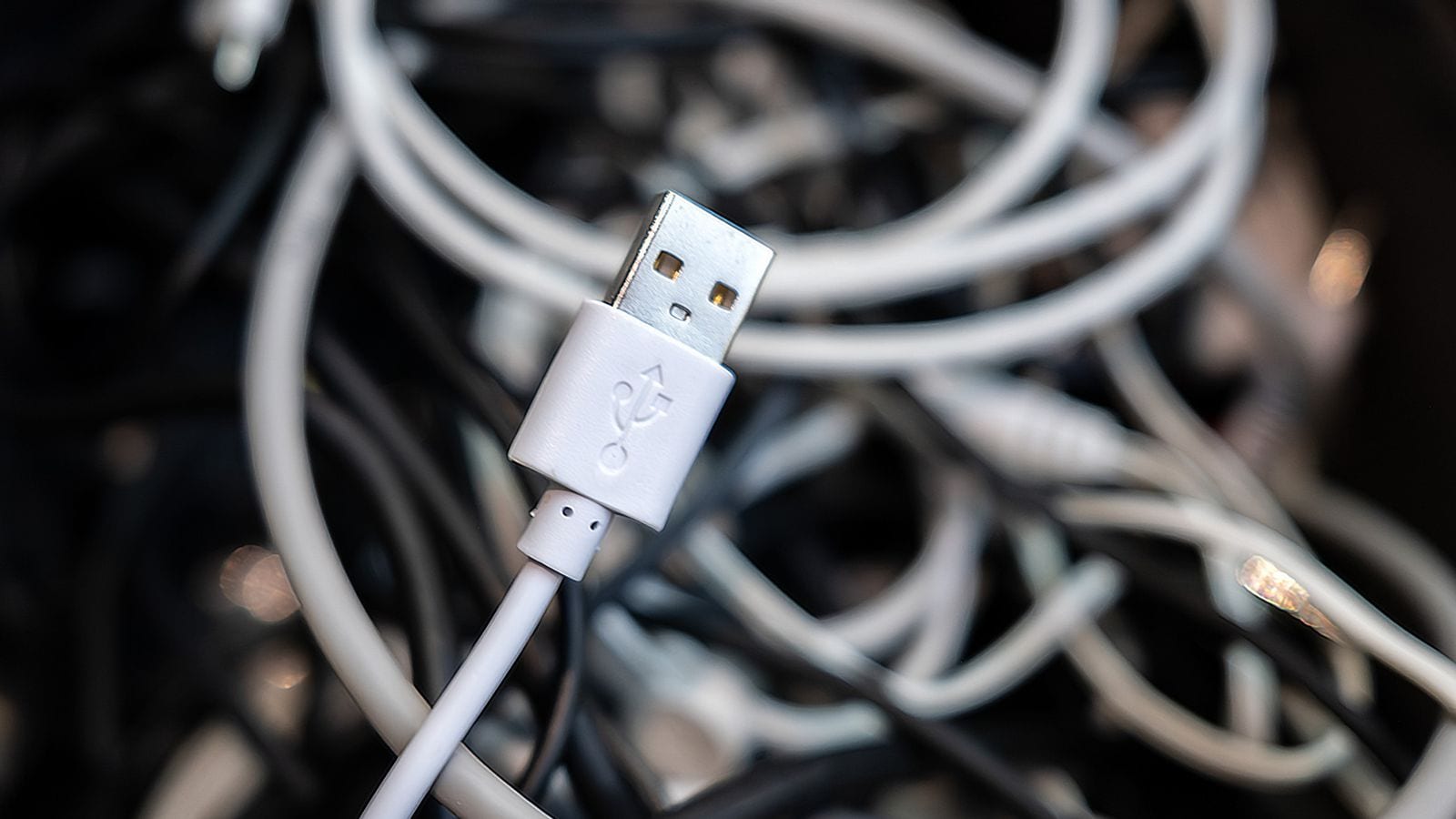
The universal serial bus technology has undergone significant transformation since its inception, becoming the standard for connecting peripherals and transferring data across computing devices. Central to the visual identification of these connections is the familiar USB trident logo, which has been utilized consistently since the standard was originally introduced in the late 1990s. Over the decades, the technology has expanded dramatically in terms of speed, physical connector design, and naming conventions to accommodate increasingly demanding digital workflows and larger file sizes.
Early iterations laid the groundwork for modern connectivity, beginning with USB 2.0, which debuted in the year 2000 and offered a bandwidth of 480Mbps. While revolutionary for its time, transferring a 100GB file over a USB 2.0 connection requires an estimated 28 minutes. To help users visually differentiate these older ports, manufacturers traditionally used black or white for USB 2.0 connections. As data demands grew, USB 3.0 became available in 2008 with a vastly improved bandwidth of 5Gbps, reducing the time required to transfer a 100GB file down to just 2 minutes and 40 seconds. Blue typically signifies a USB 5Gbps connection on hardware panels.
The evolution continued with subsequent releases that pushed data transfer rates even higher. USB 3.1 arrived in 2013 delivering a 10Gbps bandwidth, followed by USB 3.2 which rolled out in 2017 to achieve 20Gbps. To streamline marketing and consumer understanding, naming conventions eventually settled on descriptive terms like USB 5Gbps, USB 10Gbps, and USB 20Gbps as of 2022. Hardware designers often use red ports to signify USB 10Gbps or USB 20Gbps connections, which additionally possess the capability to provide power even when the host computer is turned off.
The newest standard in the evolution is USB4, which introduces advanced capabilities and strict connector requirements. The original version of USB4 launched in 2019, capable of reaching speeds of either 20Gbps or 40Gbps. This was followed by the arrival of USB4 2.0 in 2022, which handles an impressive throughput of 80Gbps and allows a 100GB file to transfer in a mere 20 seconds. Unlike older rectangular ports, USB4 is strictly limited to USB-C connectors, aligning physical hardware with modern design trends.
The integration of USB-C and advanced protocols has also deeply influenced related technologies such as Thunderbolt. Thunderbolt 3 and all subsequent versions have adopted the USB-C physical standard for their connections. Furthermore, hardware compliance has tightened, requiring that all Thunderbolt 4 devices must possess the mandatory capability to output video signals to two separate 4K displays simultaneously, bridging high-speed data transmission with advanced multi-monitor display support.
Source: Engadget
বিজ্ঞাপন