
How to Find the Dislike Button on YouTube Shorts
YouTube keeps control interfaces hidden by default on Shorts to maintain a clean display. Users can easily reveal the like and dislike buttons using specific actions on smartphones and computers.
বিজ্ঞাপন

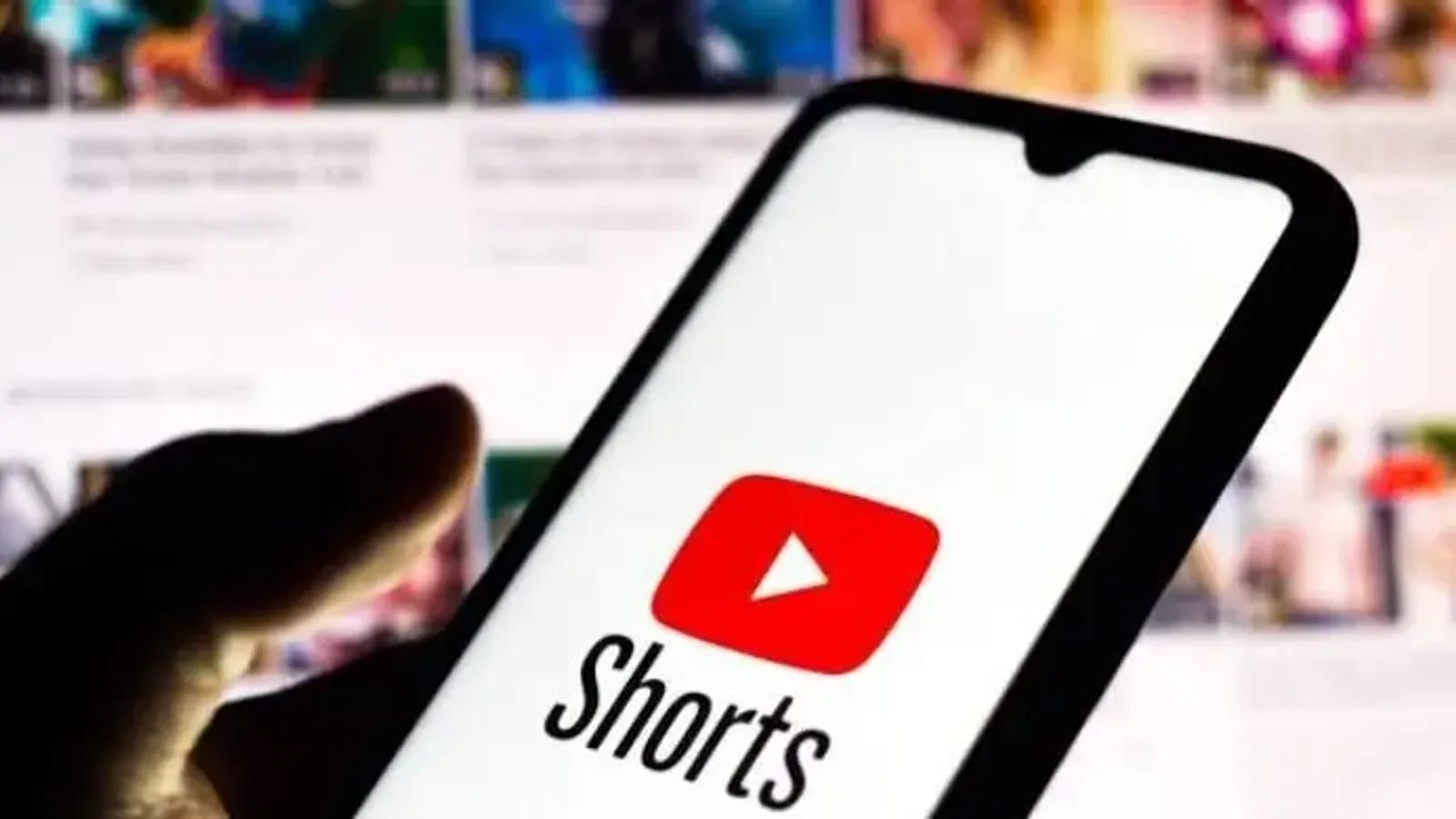
When watching short-form video content on YouTube Shorts, viewers often look for ways to interact with the media, including expressing their preferences through likes and dislikes. However, finding these specific interaction controls can sometimes confuse users who are navigating the platform. According to recent details shared by Jago News on August 17, 2026, the underlying interface of YouTube Shorts is deliberately designed to remain clean and uncluttered. To achieve this minimalist aesthetic, the standard playback controls and engagement buttons are kept hidden by default during normal viewing conditions.
For individuals who are consuming content via their smartphones, accessing these hidden features requires a very simple physical interaction with the device. When a user is actively watching a Shorts video on a mobile smartphone, the interface does not immediately display the engagement options. Instead, the viewer must tap directly on the screen while the video is playing. Executing this simple screen tap action causes the previously concealed like and dislike controls to instantly float and become visible to the user.
The method for revealing these controls differs slightly when shifting from mobile devices to desktop or laptop computers. If a user is running YouTube Shorts on a computer, simply tapping a touchscreen is no longer an option. Instead, the viewer must position their cursor and click directly on the video itself after the Short has started running. Performing this click action on the computer player brings the necessary player controls to the foreground.
By understanding these platform-specific interface behaviors, users can seamlessly navigate both mobile and desktop environments to manage their viewing preferences. Whether tapping a smartphone screen or clicking a computer player, these deliberate actions ensure that the minimalist design of YouTube Shorts does not permanently obstruct essential user controls like the dislike button.
Source: জাগো নিউজ
বিজ্ঞাপন