

How to Reset an ASUS Router: A Complete Guide
Resetting an ASUS router erases all custom settings and returns the device to factory defaults. The process can be completed via the settings page or manually using the physical reset button.
বিজ্ঞাপন

When dealing with persistent network issues, changing administrative credentials, or preparing hardware for a new environment, knowing how to properly reset an ASUS router is an essential skill for network maintenance. According to published guidance by Alec Hively for Engadget, resetting an ASUS router completely erases all custom user configurations and returns the hardware back to its original factory default state.
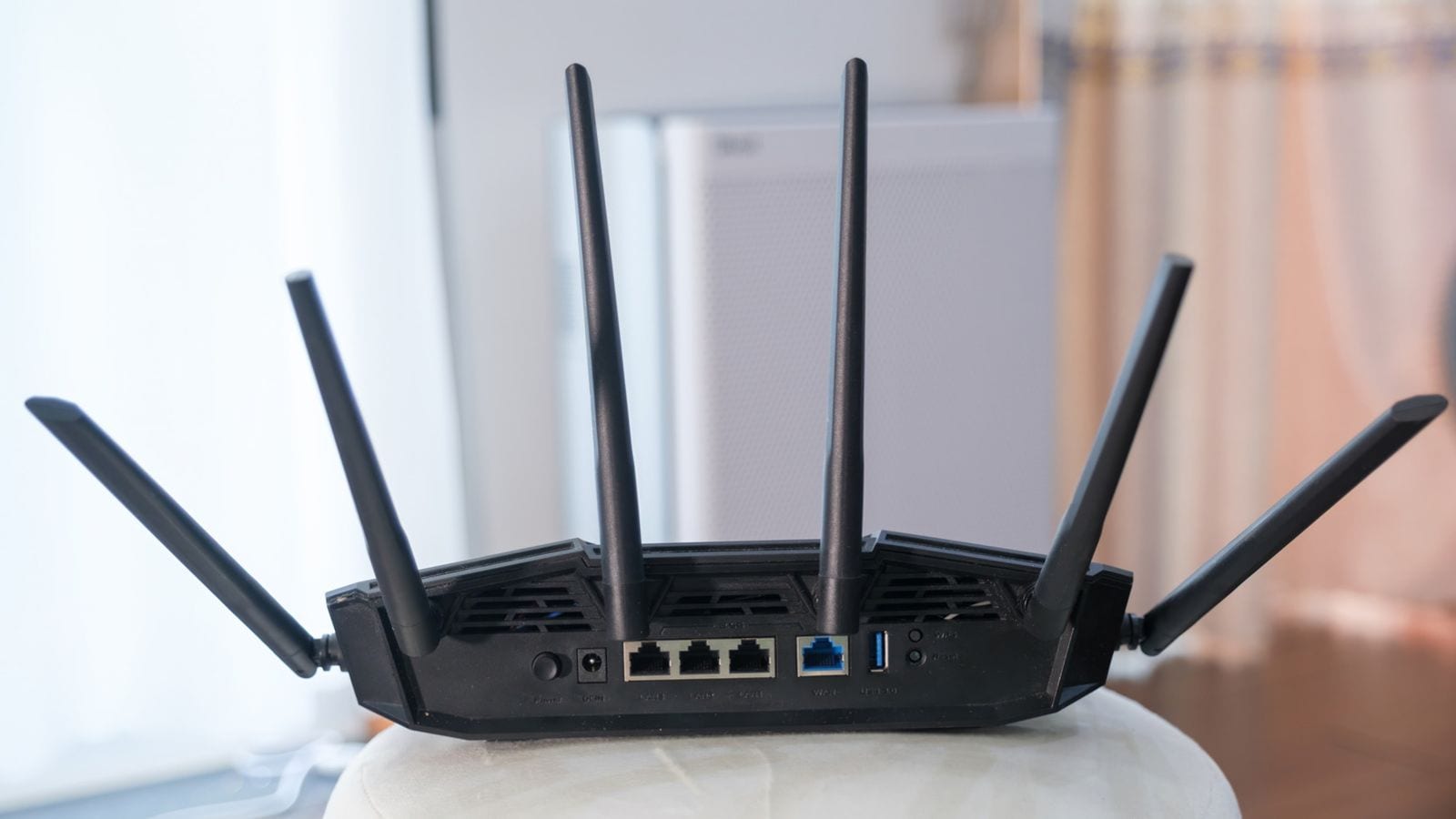
Because different network models and firmware versions may require specific approaches, the documentation outlines at least eight different hard reset procedures depending on the exact hardware configuration. However, ASUS officially suggests two main methods for returning a router to factory settings. Users can initiate the reset directly through the software settings page, which includes the web portal or the official mobile application, or they can perform a manual intervention using the physical reset button located on the device.
For those opting to use the digital interface, accessing the management platform requires navigating to the default web portal address. ASUS designates this default web portal address as http://www.asusrouter.com, though users can also access the configuration page by entering the specific local area network (LAN) IP address of the router directly into a web browser.
It is important for network administrators to understand the full scope of data removal that occurs during a hard reset. Performing a hard reset goes beyond simply clearing standard Wi-Fi passwords and network names; it also thoroughly clears important data logs, including all recorded data for AiProtection, Traffic Analyzer, and Web History.
Because a factory reset wipes all customized setups, users should carefully weigh the necessity of the procedure before proceeding. Once the reset process is successfully completed, the router will require a complete reconfiguration from scratch to re-establish secure internet access, custom Wi-Fi credentials, and personalized network preferences.
Source: Engadget
বিজ্ঞাপন