

How to Recover Dismissed Android Notifications Using History
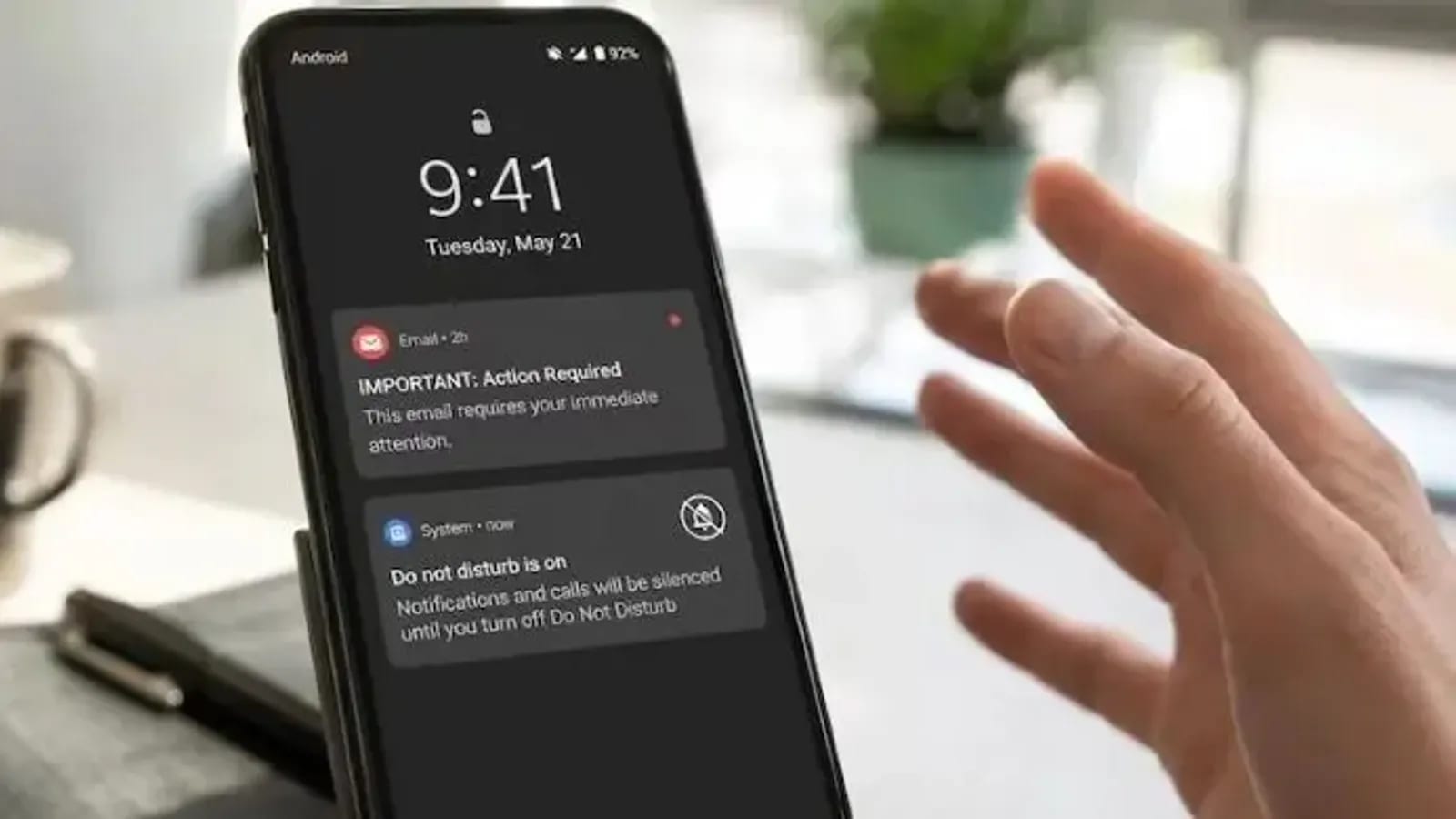
Android users can easily view previously dismissed notifications by enabling the built-in notification history feature. However, users must ensure the setting is activated beforehand to successfully retrieve any past alerts.
বিজ্ঞাপন

In the modern era of smartphones, users are constantly bombarded with alerts, updates, and messages throughout the day. It is a very common occurrence to accidentally swipe away or dismiss a critical notification without fully reading its contents. Fortunately, the Android operating system provides a dedicated notification history feature designed to help users track down and review these previously cleared alerts, ensuring important information is never truly lost.
To successfully recover dismissed notifications, the notification history feature must be turned on prior to the incident. According to the available guidelines, if this specific feature is not already active and running beforehand, it is entirely impossible to bring back or restore any of the previously deleted and vanished notifications. Therefore, proactive activation of the setting is an absolute necessity for anyone wanting to maintain a comprehensive log of their device activity.
While the underlying capability is a standard part of the Android ecosystem, accessing and configuring it can vary significantly depending on the specific manufacturer of the mobile device. Major smartphone brands such as Samsung, Motorola, OnePlus, Xiaomi, and Realme all feature distinct user interfaces and customized software skins. Consequently, the exact layout, nomenclature, and navigation path within the device settings menu will not be identical across these different hardware ecosystems.
Users operating devices from these various manufacturers must navigate their respective settings panels to locate the notification management sections. Because the layout of settings differs from one brand to another, finding the specific toggle for notification history requires exploring the customized menu options provided by companies like Samsung, Motorola, OnePlus, Xiaomi, and Realme. Once located and enabled, this tool acts as a reliable safety net for daily smartphone interactions.
Ultimately, taking a few moments to verify that the notification history feature is switched on can save users from missing out on crucial updates. By understanding that prior activation is mandatory and accounting for the unique settings layouts found on popular devices, Android users can take full control of their notification logs and ensure they always have access to their missed alerts.
Source: জাগো নিউজ
বিজ্ঞাপন